













RoboCat casino combines pokies, jackpots, live tables, instant titles and responsive hub for New Zealand adults. The interface supports NZD accounts, demo access and browser-based sessions across desktop, tablet and phone. Players can check RTP, volatility, stake limits and transaction rules before using real money.
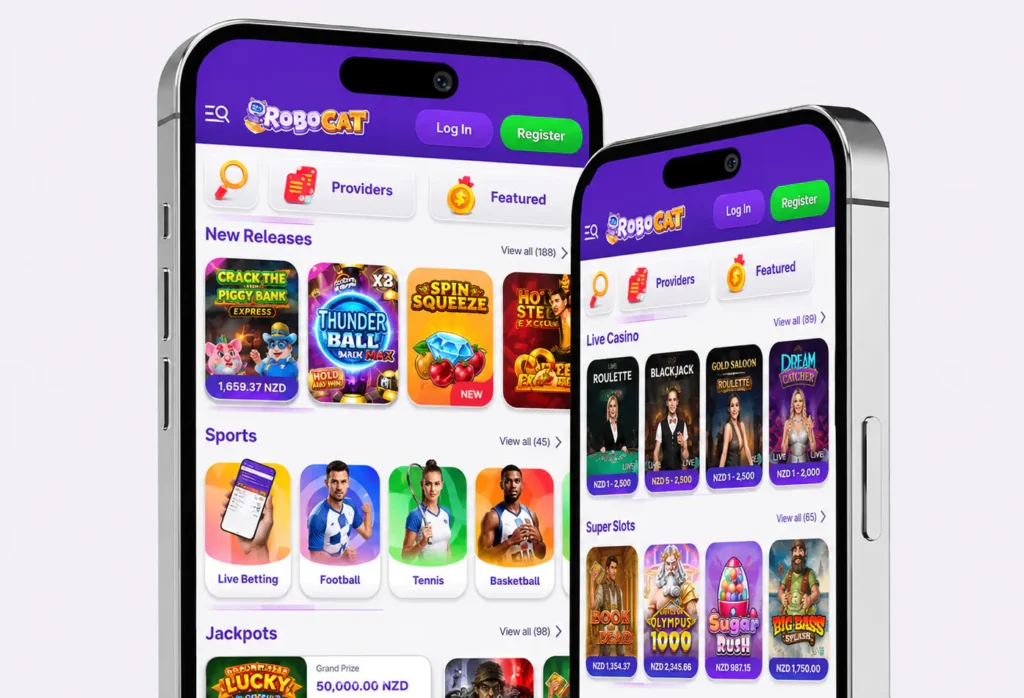
The Platform uses a colourful robotic-cat theme with practical navigation. Pokies, live streams, jackpots, sports, promotions and account tools sit in separate sections, while search and provider filters help each player narrow down the catalogue.

Casino Welcome Package
100% up to 1,000 NZD + 200 FS
Getting Started with RoboCat Online
RoboCat uses a colourful robotic-cat theme backed by a practical layout. A player can move from the homepage to pokies, providers, roulette, blackjack, jackpots or the cashier through the main menu. Search and favourites reduce scrolling, while demo buttons let visitors inspect eligible games before risking funds. The same account works across supported devices, and reviews of any offer should start with its terms rather than the headline alone.
Fully Licensed & Trusted NZ Gaming
According to the operator information supplied for the website, RoboCat is operated by Liernin Enterprises Ltd, registered in Cyprus under company number HE 426020. The same disclosure states that the service is licensed and regulated by the Curaçao Gaming Control Board under licence number OGL/2024/589/0556. Players should compare those details with the current legal pages before registering.
The casino login uses an encrypted connection intended to protect credentials, personal information and transfers in transit. Members should still use a unique password, avoid shared devices and submit KYC files only through the approved verification area. The terms require users to be at least 18, permit one account per person and allow identity, address and payment-method checks.
Quick Account Creation Guide
Registration can often be finished in under two minutes when your details are ready. Select Register, enter a personal email, create a unique password and choose New Zealand with NZD as the currency. Use your legal details because identity, address and payment ownership may be checked before a withdrawal. The terms permit one account per person, household, contact detail and IP address. Live assistance is available if the form or currency selector does not work.
Step by Step Account Setup
- Open the official online form and enter your email and password.
- Select New Zealand and NZD.
- Add accurate personal details and read the terms.
- Confirm the profile, sign in and review cashier limits.
RoboCat Rewards and Promotions
RoboCat provides a welcome package, reloads, cashback, free spins and sports incentives. The current first-deposit offer lists a 100% match up to 1,000 NZD with 200 spins from a qualifying deposit of 40 NZD. Deposit plus reward carries 35x wagering, while spin winnings carry 40x; Neteller and Skrill do not qualify. Conditions can change, so read the individual page before opting in.
Competitive Casino Tournaments
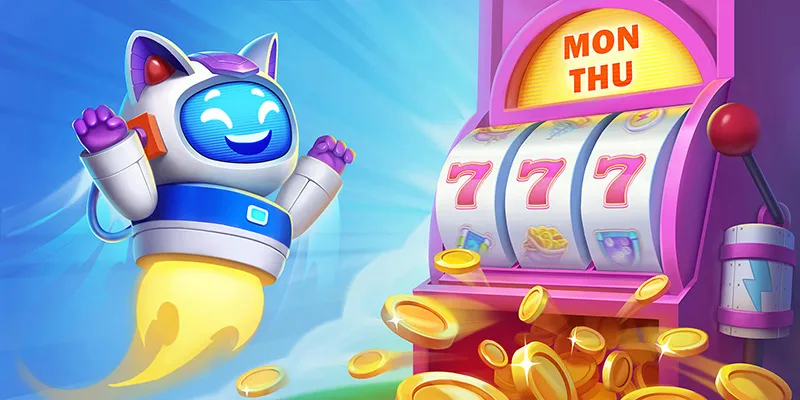
Participating in tournaments allows Kiwi users to compete for structured prize pools alongside standard betting sessions. Competitions follow fixed schedules, ranging from daily events to month-long network campaigns hosted by software partners. Scoring mechanics vary by event, typically calculated via total wager volume, highest single-win multiplier, or consecutive winning rounds. When using an NZD account, all qualifying thresholds, minimum stakes, and real-time standings appear in local currency. Before joining, users should review specific event rules to identify eligible titles and verify the required minimum stakes. It is also important to note that rewards, whether awarded as cash or promotional credit, may carry distinct wagering requirements that must be met before any resulting winnings can be withdrawn.









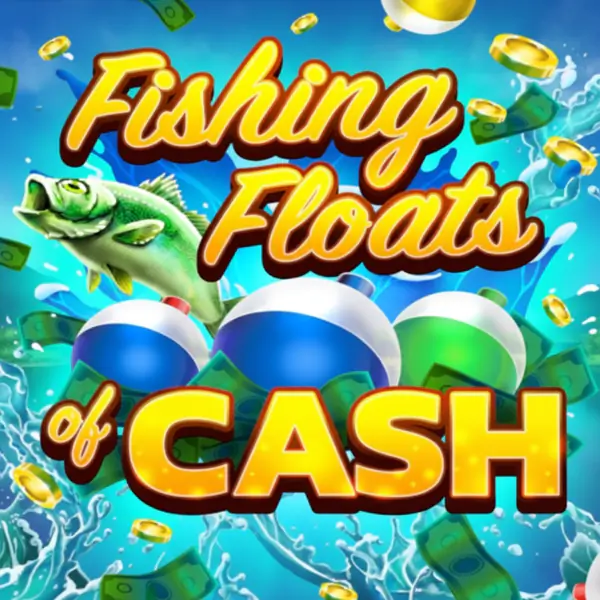



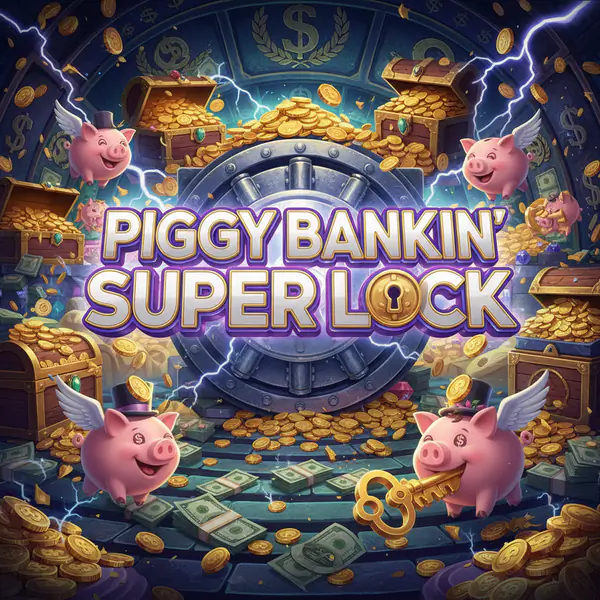




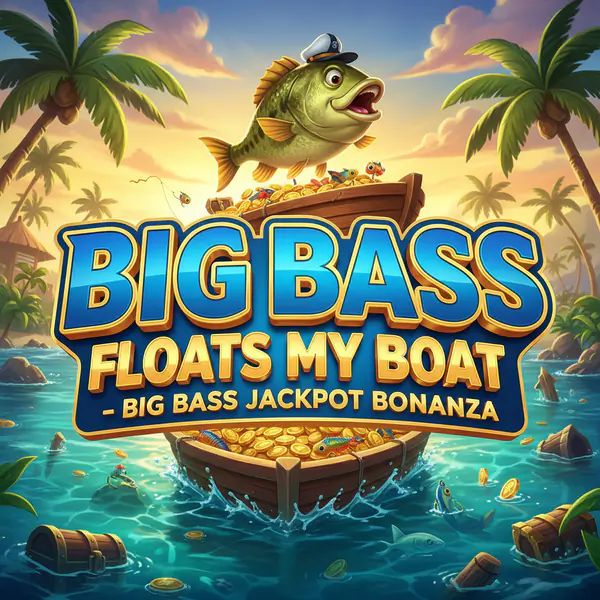

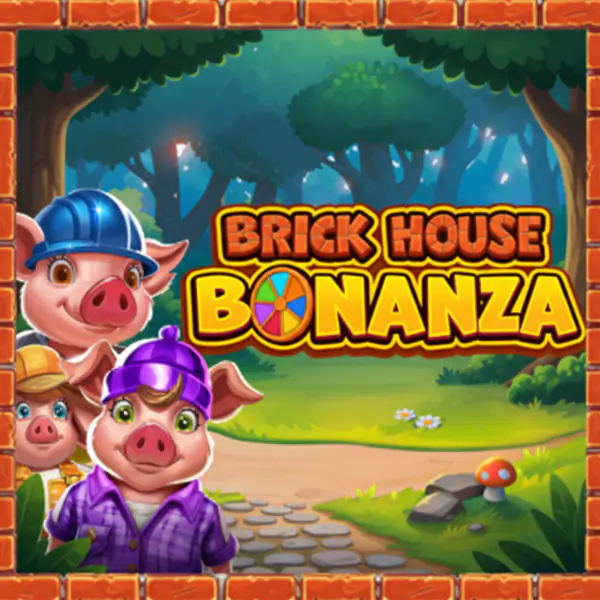



















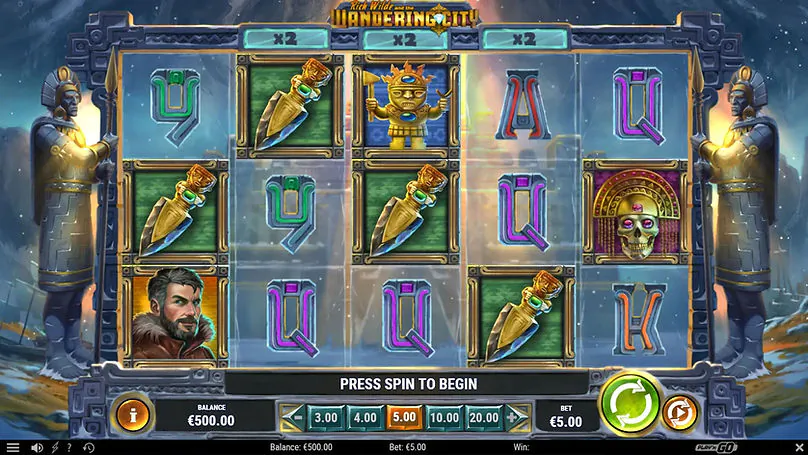


















Explore the Massive Pokies Lobby
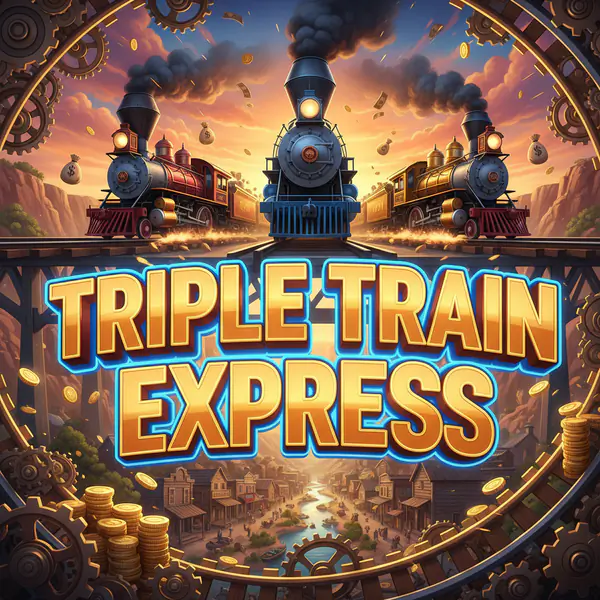
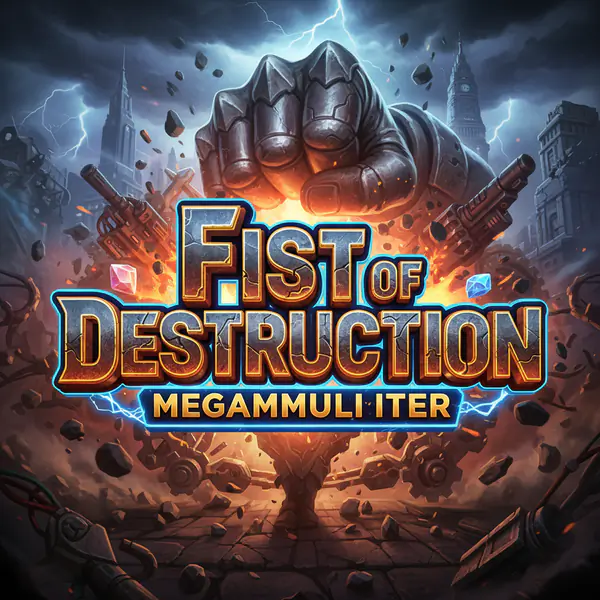
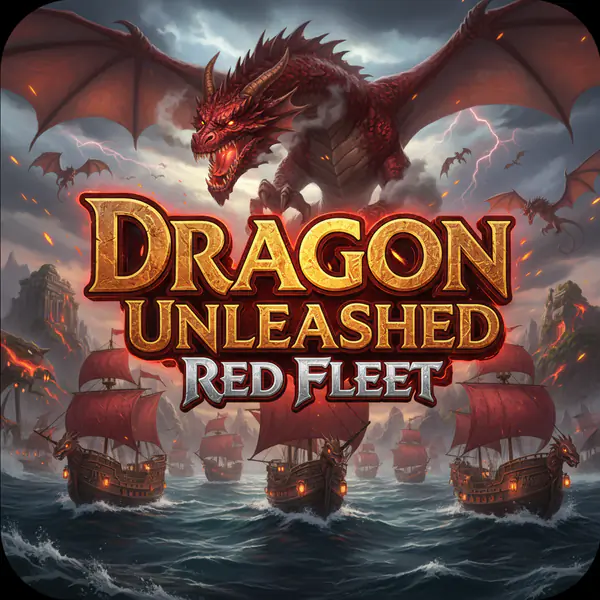
The main link opens popular releases, new titles, bonus buys, Megaways, instant formats and provider collections. RoboCat displays demo access on many thumbnails, helping users check controls without risking money. RTP and volatility vary, so open the information panel before a paid session.
Popular Real Money Online Slots
The gaming range includes cascading reels, expanding symbols, hold-and-win features and variable paylines. Some titles include bonus buys, which can sharply increase round cost and volatility. Providers determine the mathematical model and return percentage, so theme alone is not a guide to value.
Massive Progressive Jackpot Networks
Networked pools grow through qualifying wagers, while standalone jackpots remain tied to one release. The site lists dedicated jackpot categories and current pots on selected thumbnails. Bonuses cannot be used on jackpot slots under the general terms.
Real Time Streams with Live Dealers
HD streams combine professional dealers with digital betting panels, statistics and chat. The catalogue covers blackjack, baccarat, poker, roulette and game-show tables at different stake levels. Promotions may apply only to named tables or periods, while a stable connection helps keep the video and wager interface synchronised.
Virtual Tables and Live Streams
Live Blackjack uses real-time card dealing, Lightning Roulette adds multiplier mechanics, and game shows rely on wheels or studio formats. No separate app is required; compatible tables open in a browser. Landscape view usually gives more room for video, controls and chat.
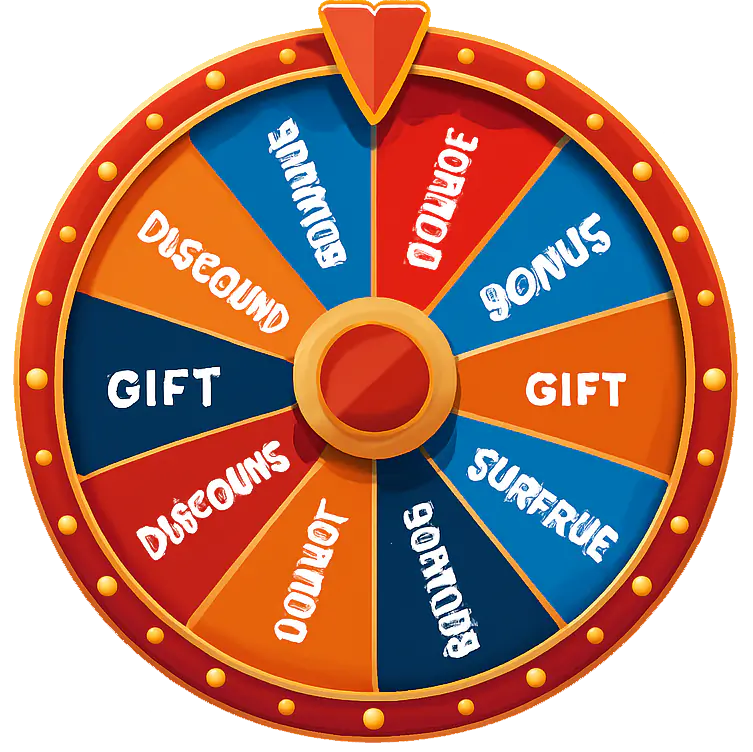
Random game
Don't know what to play? Leave it to us.

Banking Options
Users can play with an NZD account and manage deposits or withdrawals through the cashier. Available channels depend on location, account status and provider support. The terms say payouts use the original route where possible and may pause for KYC, source-of-funds or security checks.
Flexible Deposit and Payout Channels
Kiwi players can operate their account natively in NZD, avoiding unnecessary currency conversion fees across both deposits and cashouts. Financial management is handled through a centralized cashier section, where available payment channels automatically adjust based on your geographic location, account status, and individual payment provider policies.
Payment Methods & Routing Policies
Closed-Loop Payout System: In compliance with standard anti-money laundering (AML) protocols, withdrawals are automatically processed back to the exact same payment method used for the original deposit whenever technically feasible. If your deposit method does not support incoming payouts (e.g., certain prepaid vouchers), an alternative verified option, such as a direct NZ bank transfer, will be assigned.
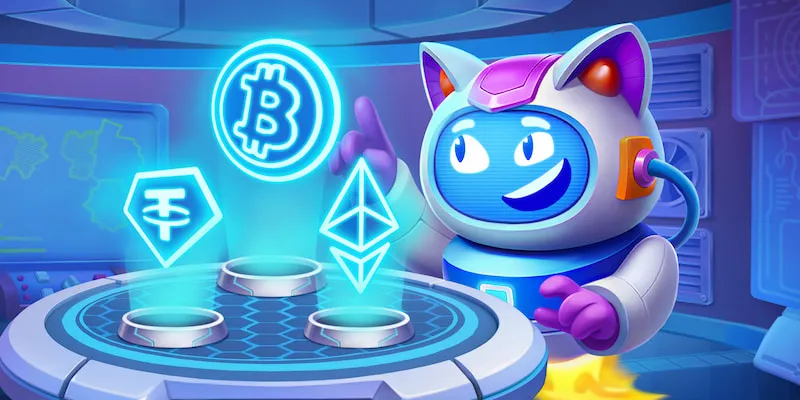
Supported Local Channels: The cashier accommodates standard banking options commonly used in New Zealand, including major credit/debit cards, direct local bank transfers, recognized e-wallets, and select cryptocurrencies.
| Payment Method | Processing Time | Min. Withdrawal | Max. Withdrawal (per transaction) | Transaction Fees |
| Visa / Mastercard | 1 – 3 Business Days | 20 NZD | 5,000 NZD | 0 (Free) |
| Bank Transfer (NZ Local) | 2 – 5 Business Days | 50 NZD | 10,000 NZD | 0 (Free) |
| Skrill / Neteller | Instant – 24 Hours | 20 NZD | 4,000 NZD | 0 (Free) |
| MuchBetter / MiFinity | Instant – 24 Hours | 20 NZD | 4,000 NZD | 0 (Free) |
| Paysafecard (Account) | Instant – 24 Hours | 20 NZD | 2,500 NZD | 0 (Free) |
| Cryptocurrency (BTC, ETH, USDT, LTC) | Instant – 12 Hours | 30 NZD | 10,000 NZD | 0 (Free) |
The welcome package requires 40 NZD, while a 20 NZD first deposit can provide one Bonus Crab pick. These are promotional thresholds, not universal banking minimums.
Transaction Processing Speeds
Electronic deposits may appear quickly after provider approval, while cards and bank channels can take longer. The finance team may use up to three business days to review a withdrawal once all requirements are met, after which the provider may add processing time. Completing KYC early can prevent avoidable delays.
Play RoboCat Casino on Your Phone
The software is fully optimized for mobile browsers, removing the need for dedicated app store downloads or manual installation files. Built using HTML5 architecture, the web app automatically scales across diverse iOS and Android tablet and smartphone screens, offering a native-like experience while conserving device storage.
To streamline access, players can generate a direct Web App shortcut on their home screen in a few simple steps:
- iOS Devices (Safari): Open the site in Safari, tap the Share button (the square icon with an upward arrow) at the bottom of the navigation bar, scroll down, and select Add to Home Screen.
- Android Devices (Chrome/Edge): Launch the platform in your browser, tap the three-dots menu in the top right corner, and select Add to Home Screen or Install App.

24/7 Customer Support
Help is available through live chat and email at any hour. English assistance covers login, verification, rewards and payment questions. Share a transaction reference or screenshot, but never a full card number. The team can help users enjoy the service while keeping account details protected.
Latest reviews